Download Nano Motion Engine, the motion and image enhancement engine that runs on your device to deliver a more lively and smoother experience with AI GuideGenie characters on Windows.
The application combines character motion generation, image quality enhancement, and additional frame generation in a unified, easy-to-use interface, while automatically saving your settings.
What does Nano Motion Engine offer you?
🔹 Generates character motion during interaction.
🔹 Enhances image details and visual appearance.
🔹 Generates additional frames to improve playback smoothness.
🔹 Works with AI GuideGenie through the browser or the PWA app.
🔹 Manages all functions from a single application, without needing to open a separate interface for the graphics engine.
Simple controls tailored to your experience 👇
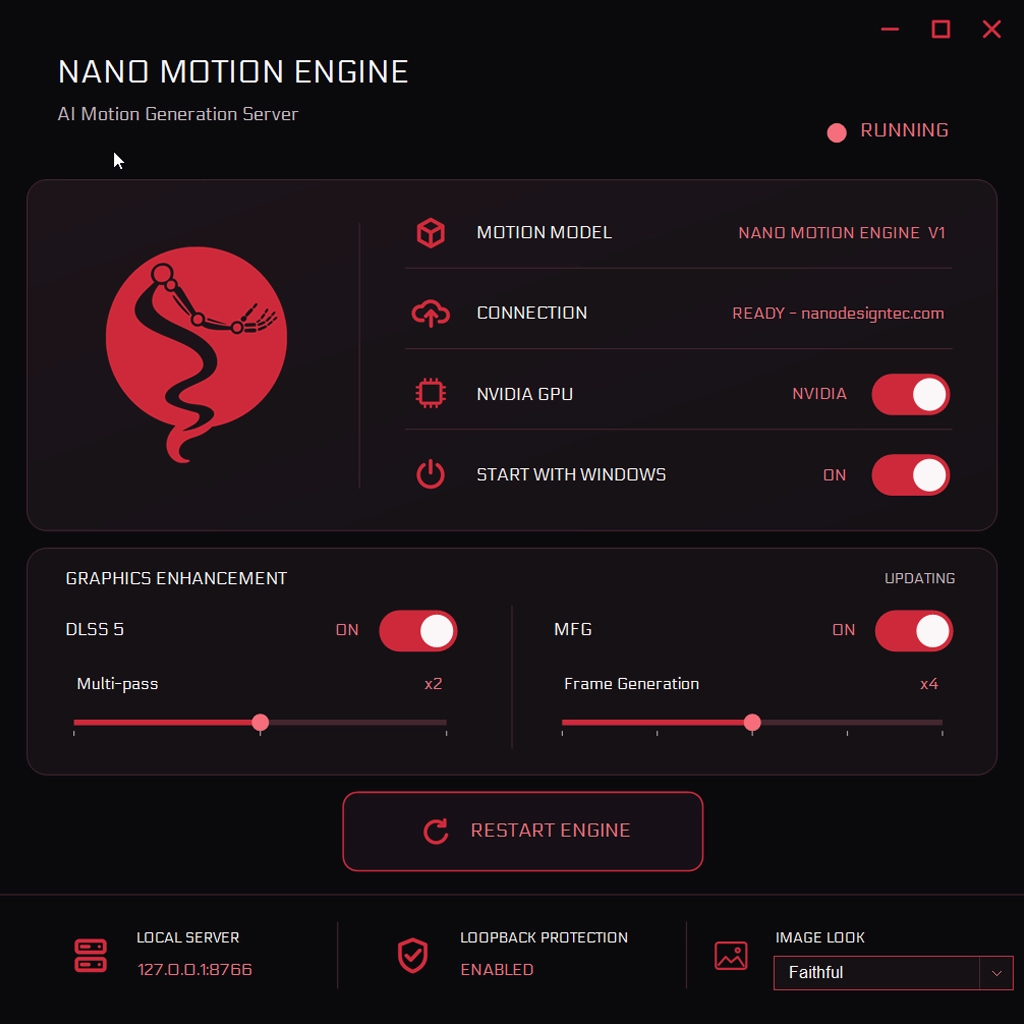
🖥️ NVIDIA GPU
Enables the motion engine to run using a compatible NVIDIA graphics card. When disabled, motion generation relies on the CPU.
🚀 Start with Windows
Automatically starts the application with Windows, so it is ready when needed.
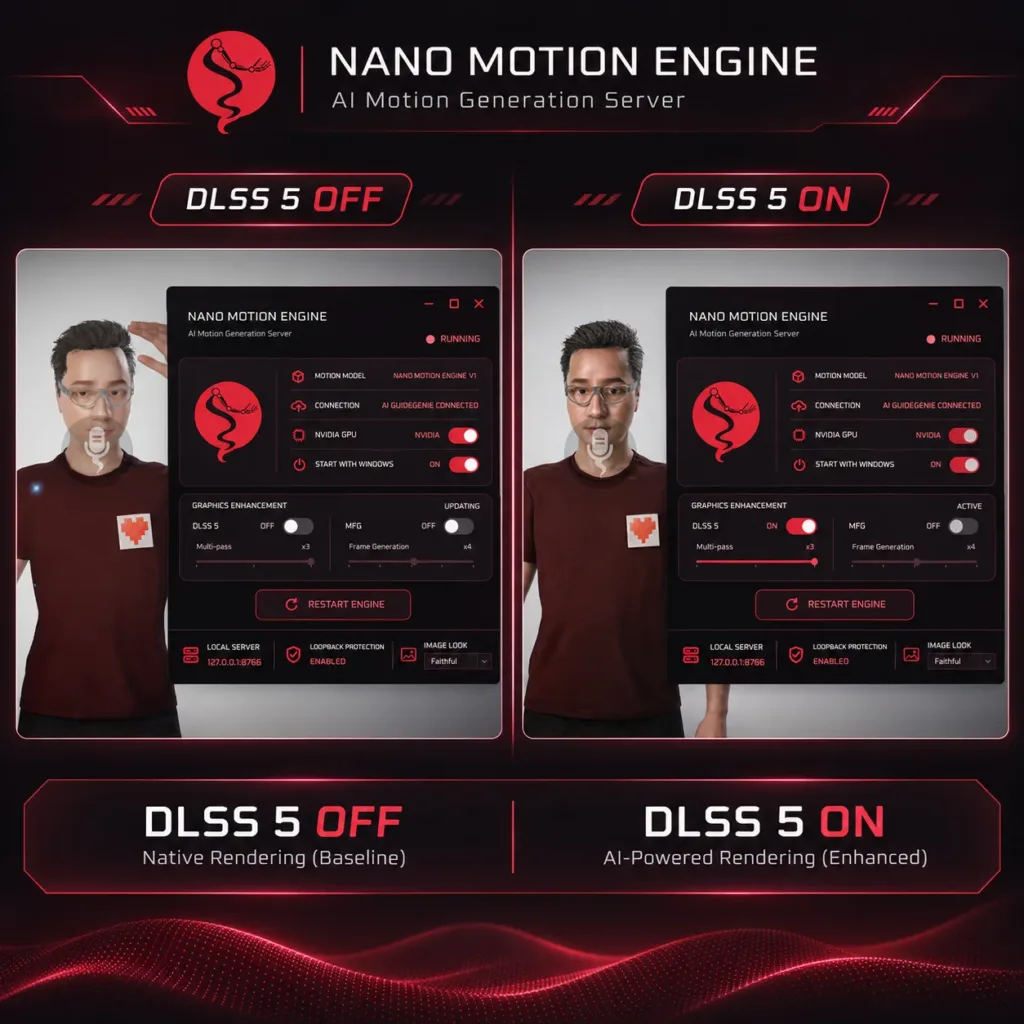
✨ DLSS 5 — Image Enhancement
Enables image processing to improve its appearance and details. The Multi-pass slider lets you choose the number of processing passes from x1 to x3. Increasing the value may affect the visual appearance and device resource usage.
🎞️ MFG — Multi-Frame Generation
Enables the generation of additional frames to improve playback smoothness. The multiplier can be adjusted using the Frame Generation slider from x2 to x6.
Image enhancement and frame generation can be enabled together, or each function can be used independently.
🎨 Image Look — Image Appearance
Lets you choose a ready-made visual appearance, such as Faithful, Natural, or Cinematic, with the option to return to Nano Default. This menu becomes active when DLSS 5 is enabled.
The default settings are Multi-pass x2 and Frame Generation x4, and they can be adjusted according to your device’s capabilities and your preferences.
The graphics enhancements require a compatible NVIDIA graphics card. Frame generation improves playback smoothness, but it does not double the original rendering rate or guarantee reduced latency.